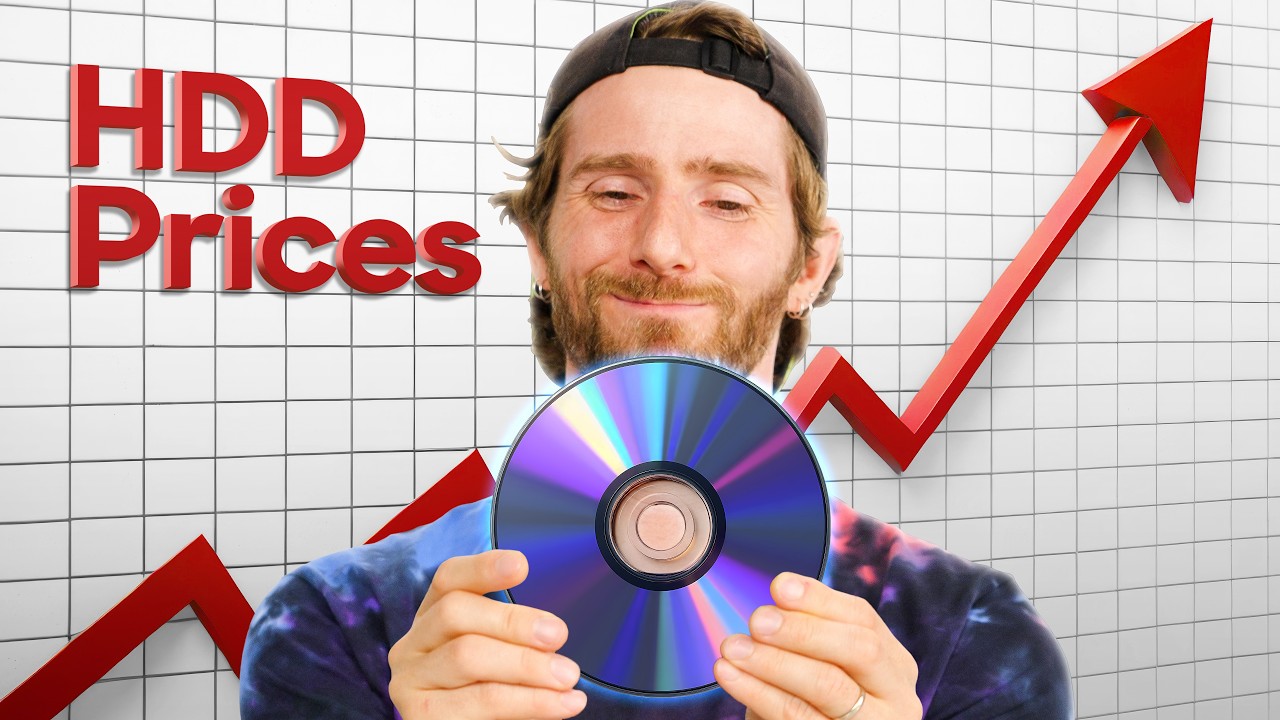
The Unlikely Solution to Storage Prices
Linus Tech Tips
2,105,901 views • 1 month ago Save 4 min 5 min read
Video Summary
With RAM and storage prices soaring, Blu-rays are emerging as a surprisingly cost-effective solution for archiving "cold data"—files not accessed regularly. While traditional hard drives and SSDs face limitations like degradation and data corruption when unpowered, Blu-ray discs offer a cheaper, more stable alternative, with specialized M-discs promising over a century of data preservation. However, this archival method demands significant time and physical space for large data volumes, potentially outweighing its cost benefits for extensive projects.
The practicality of Blu-rays for archiving hinges on specific use cases. They are ideal for project-based workflows, secure offline storage of sensitive files, and situations where physical media is easier to manage and ship. Despite the drawbacks, including lengthy burn times and the inefficiency of partially filled discs, Blu-ray remains a viable option for those seeking to preserve data affordably in an era of escalating storage costs, especially as newer tape technologies present high initial investment barriers.
Short Highlights
- Blu-rays offer a significantly cheaper alternative for archiving cold data compared to hard drives and SSDs.
- Unlike hard drives and SSDs, Blu-rays are less prone to data degradation when unpowered.
- Specialized M-disc Blu-rays can preserve data for over 100 years.
- Blu-rays are suitable for project-based workflows and secure offline storage.
- Archiving large amounts of data on Blu-rays requires substantial time and physical space.
- Write-once nature and potential for partially filled discs can increase per-gigabyte costs.
- Tape storage presents a high initial cost barrier compared to Blu-ray.
Key Details
The Rising Cost of Storage [00:00:00]
- RAM and storage prices have become prohibitively expensive in recent years.
- SSDs and hard drives are not showing signs of price reduction.
- The volume of data requiring backup continues to increase.
"Which really sucks, because the amount of data that we need to back up is only increasing."
Blu-ray vs. Other Media: Cost Analysis [00:00:00]
- Blank Blu-rays are the cheapest consumer option for storage by a significant margin.
- They are nearly 2-3 times cheaper than hard drives and SSDs respectively.
- Linear Tape Open (LTO) format is a competitor but has a very high startup cost.
"We compared the cheapest consumer options across a variety of mediums and capacities and found that blank Blu-rays were by far the cheapest option available by a factor of nearly 2x and 3x over hard drives and SSDs respectively."
Defining "Cold Data" for Archiving [00:00:00]
- "Hot data" needs frequent, high-speed access and is best kept on local drives or NAS.
- "Cold data" consists of files not regularly accessed, like archived business records or raw photo versions.
- Cold data is an ideal candidate for Blu-ray backup.
"Cold data, by contrast, is made up of files that aren't regularly being accessed."
Lifespans and Limitations of Storage Media [00:00:00]
- All electronic devices have an expected lifespan; proper care can extend it.
- Hard drives track power-on hours but can degrade even when powered off.
- SSDs can degrade over years when unpowered, leading to bit flips and silent file corruption.
"Because anytime an SSD isn't powered on, the electrons slowly leak through the insulating layer in the storage cells, which eventually causes bit flips, which leads to silent file corruption."
Blu-ray Durability and Archival Potential [00:00:00]
- Regular Blu-ray discs are rated for 5 to 50 years, depending on quality.
- M-disc Blu-rays use specialized materials to theoretically last over 100 years.
- These specialized discs are more expensive and may have compatibility issues.
"With that being said, though, not all Blu-rays are equal in this regard."
Advantages for Project-Based Workflows and Security [00:00:00]
- Physical discs are easy and cheap to label and store.
- They are simpler to ship to clients or partners.
- Blu-rays offer more security than cloud storage, especially with per-disc encryption.
"And if you add per-disc encryption on top of that, it is going to be very hard for bad actors to get their hands on your data without literally breaking into your house and coercing you into going and getting your Blu-rays and opening the files for them."
Drawbacks: Time, Space, and Efficiency [00:00:00]
- Burning large amounts of data (e.g., 20 TB) requires hundreds of discs and over 230 hours of burning time.
- Partially filled discs lead to wasted space and increased per-gigabyte costs.
- Storing a large number of discs requires significant physical space, less dense than hard drives.
"If all you have to back up is 50 to 100 gigs, you can do that on a single disc. But if you have even a modest-sized hard drive worth of data, let's say 20 terabytes, that's going to take you 450 gig Blu-ray discs, each of which will take anywhere from 35 to 50 minutes to burn at 4x speed."
The Verdict: Niche Applicability [00:00:00]
- Blu-ray archiving is not ideal for everyone but makes sense for specific users.
- It's a viable option for preserving data affordably in challenging times.
- Tape storage is becoming more advanced but has high initial costs.
"Well, it's that, for some people, Blu-ray could make a lot of sense, and might not have been the sort of thing that they would think about."